Bias Lighting for Gaming Monitors: Eye Strain and Contrast
The wall behind your monitor is part of your display — light it wrong and your eyes work overtime; light it right and the screen looks better for free.
By Sofia Marques · October 19, 2026 · Updated October 19, 2026
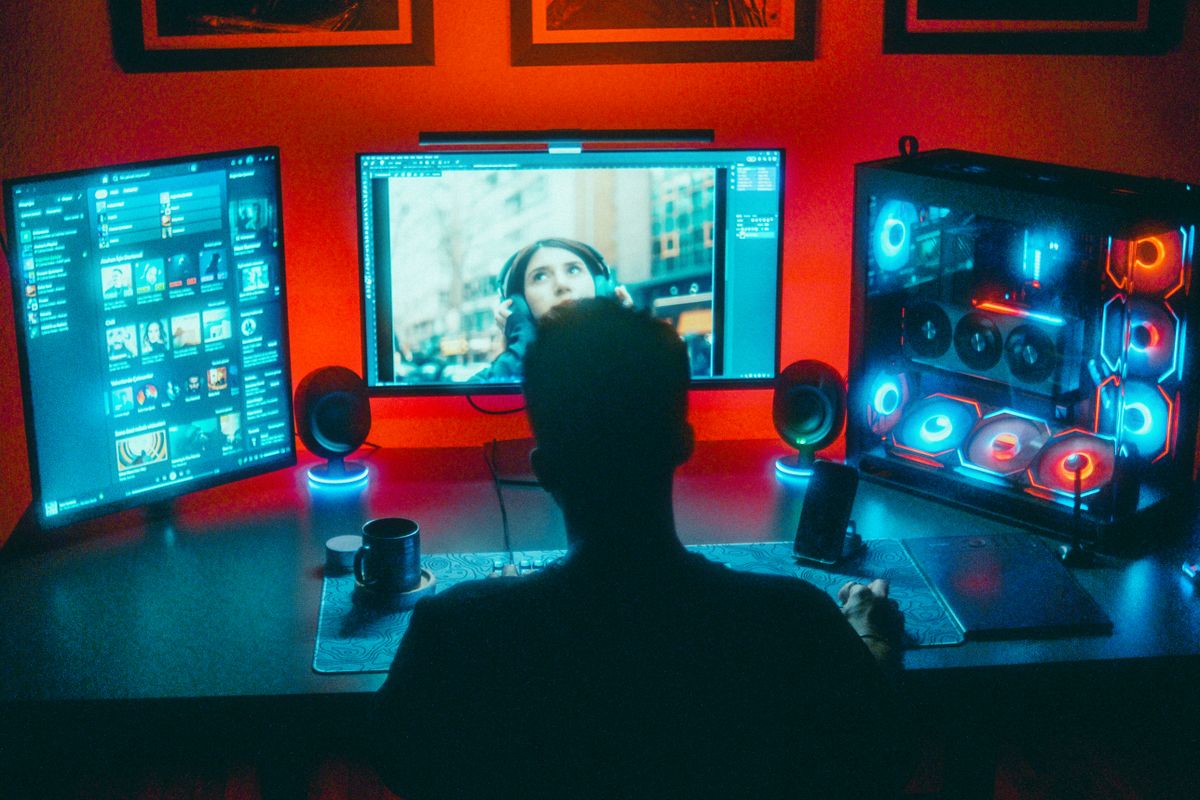
Bias lighting is the least glamorous upgrade on any desk and one of the few that changes both how long you can play and how good the game looks while you play it. The principle: put a dim, neutral light on the wall behind the monitor so the brightest thing your eyes see is no longer the screen itself.
Why it works: the pupil problem
In a dark room, a monitor becomes a high-contrast island. Your pupils constantly readjust as your gaze moves between the bright screen and the dark walls — keyboard glance, minimap, back — and that readjustment cycle is what accumulates as eye strain over a long session. A lit background compresses the luminance gap between screen and surroundings, so the pupil holds a middle position instead of swinging between extremes. Broadcast engineering has used this for decades: the widely cited SMPTE recommendation keeps the wall behind a display at roughly 10 percent of the screen’s luminance, and the same ratio works at a gaming desk.
The second effect is perceptual contrast. A dim surround makes a display’s blacks read deeper than the same display in a lit room — the screen does not change, but the adaptation of your eye does. This is why OLED owners in our panel comparison guide still benefit: perfect pixel-level blacks do not fix a blinding screen-to-room gap.
The recipe: 6500 K, dim, behind the panel
Three parameters, in order of importance.
- Color temperature: 6500 K. Neutral white, matching the D65 white point monitors are calibrated to. Colored RGB strips — the saturated blue and purple default — force your eye’s white balance to shift, which subtly distorts how the game itself renders. If you want RGB, run it in a separate zone, not as the light your eyes adapt to.
- Brightness: about a tenth of the screen. Practically: a single LED strip at low brightness behind a 27-inch panel is close; if you can read a book in the wall’s glow alone, it is too bright.
- Placement: on the wall behind the monitor, not the monitor’s edge. The light should wash the wall and bounce back as ambient glow. Strips stuck to the panel’s back edge are the common shortcut and the acceptable version; the correct version lights the wall from just behind the display’s silhouette, so the glow never shines toward your face.
For streamers, one warning: a bias light improves what you see, but a camera facing the glowing wall will darken your face — expose for your face and let a front key light carry the shot, as covered in our streaming setup guide.
Putting it up
A 6500 K USB-powered LED strip, dimmed to its lowest usable setting, mounted on the wall or monitor rear, with its cable dressed down the same route as everything else under the desk. Total cost is minor and the effect is immediate. What it pairs with — screen size, viewing distance, panel type — lives in the monitors hub.
For a problem most people blame on the monitor, this is the cheapest fix in the category.
Frequently asked questions
- What color temperature should bias lighting be?
- 6500 K, a neutral white that matches the D65 white point most monitors are calibrated to. Warm or saturated RGB lighting shifts your eye's color adaptation and makes the screen itself look off.
- How bright should a bias light be?
- Dim — commonly cited guidance places it around 10 percent of the screen's luminance. If the glow on the wall competes with the screen, it is too bright and defeats the purpose.
- Does bias lighting help on OLED monitors?
- Yes, though the contrast argument weakens since OLED pixels turn fully off. The eye-strain benefit remains, because the room-versus-screen luminance gap is still real.