Gaming Desk Height: Elbow Angle, Monitor Position, Chair Setup
Desk height is not a number you look up — it is the output of your chair height and your elbow angle, and getting the order right fixes most desk discomfort in one session.
By Maya Ellis · September 28, 2026 · Updated September 28, 2026
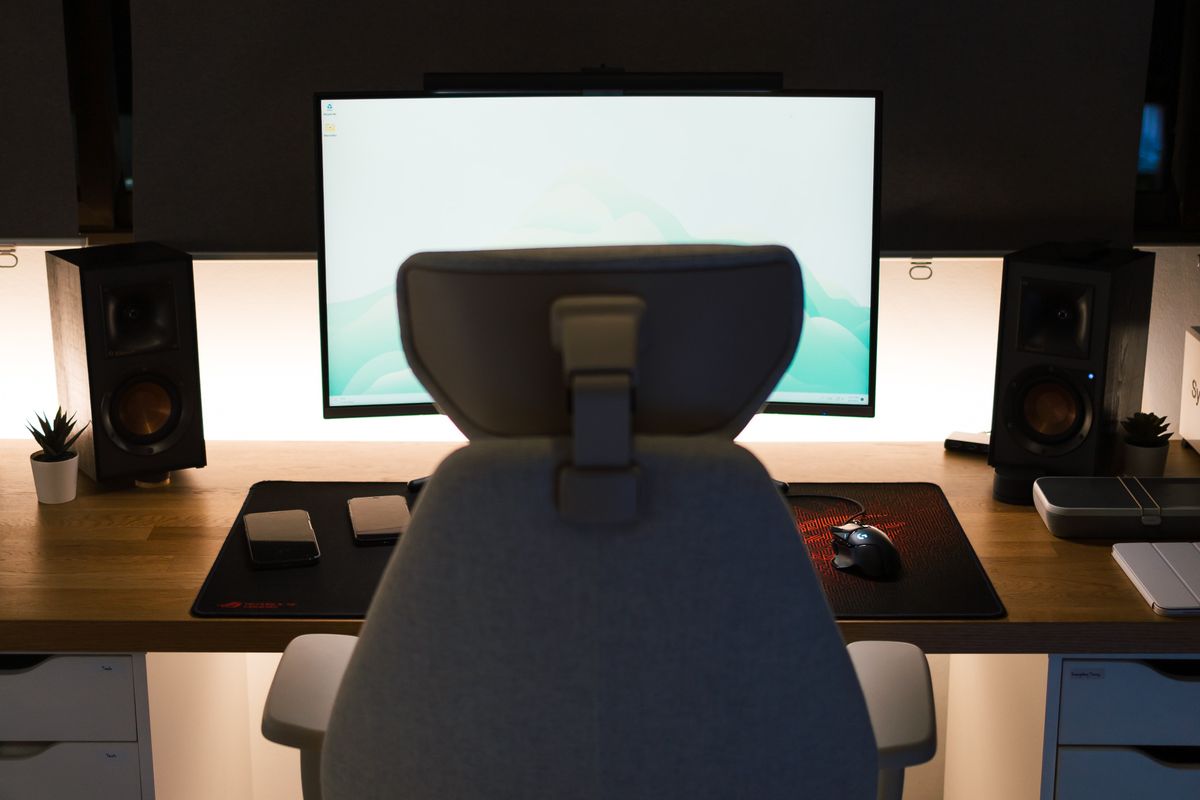
Most setup advice starts with the desk. Start with the chair instead, because the desk is the fixed variable and the chair is the adjustable one — and the entire chain of ergonomics, from wrists to eye level, hangs off two numbers you can check in five minutes.
Chair first, then the desk
Sit down with your feet flat on the floor. If your feet dangle, the chair is too high; fix that before touching anything else. Adjust seat height until your knees sit at roughly the same level as your hips. Then put your hands on the keyboard and look at your elbows: you want an open angle of about 90 to 110 degrees with your shoulders relaxed, not shrugged. That elbow angle — not a chart — defines your desk height. For most adults the result lands between 28 and 30 inches for a fixed desk, which is why that range dominates spec sheets. If you are outside average proportions, the number moves, and no fixed desk will fit both a 5’2” and a 6’4” household. Tall readers should read our chairs for tall people guide first, because seat depth and backrest height decide comfort before the desk ever enters the picture.
Monitor position: the second half of the equation
Once the keyboard plane is right, raise your gaze. The top edge of the screen should sit at or slightly below eye level, with the panel about an arm’s length away, so your natural line of sight hits the upper third of the display. Monitors on stock stands rarely reach this. That gap is the real argument for a riser or an arm, not aesthetics. The order matters: mounting a monitor before fixing the desk height means re-doing both.
Sit-stand desks: two heights, same rule
If you use a standing desk, apply the same elbow-angle test while standing and store that height as a preset alongside your seated height. Check the spec range against your body before buying: a desk with a 650–1250 mm (25.6–49.2 in) range, like the one in our Secretlab MAGNUS Pro review, fits far more body types than a budget frame that stops at 47 inches. The trade-off to watch is minimum height — shorter users need a low floor more than tall users need a high ceiling.
The five-minute audit
Feet flat, knees level with hips, elbows at 90–110 degrees, shoulders down, screen top at eye level, arm’s length away. Anything that fails one of those six checks is the next thing to adjust — and the setup hub has a guide for each of them.
One caveat worth repeating: chair height and desk height are one system. Raising the chair to fix a low desk only works if your feet stay supported — a footrest is cheaper than a new desk, and it keeps the chain honest from the floor up.
Frequently asked questions
- What is the correct desk height for gaming?
- The standard that fits most people is 28–30 inches for a seated desk, but the correct value is whatever puts your elbows at roughly 90 degrees with shoulders relaxed while your chair is at its proper height.
- How high should my monitor be?
- The top of the screen at or slightly below eye level, at about an arm's length away, so your gaze lands on the upper third of the panel without tilting your head.
- Is a standing desk better for long gaming sessions?
- It is better because it moves — alternating between sitting and standing beats either position held for hours. What matters is that both stored heights match your elbow angle.