Gaming Mouse DPI Explained: What the Number Does and What to Pick
DPI is the most quoted and least understood number on a mouse box. The math is one multiplication, and it settles most of the arguments.
By Daniel Kwon · November 11, 2026 · Updated November 12, 2026
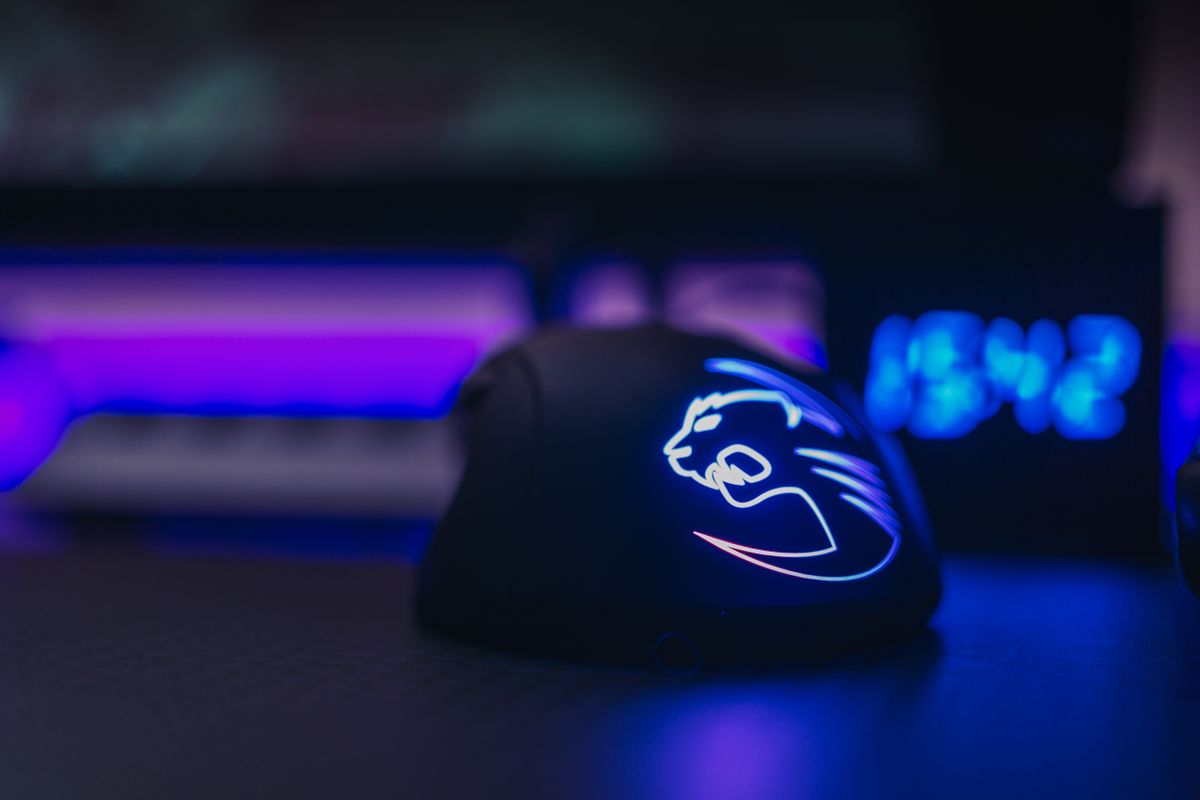
Every gaming mouse box prints a DPI figure, usually a large one, and the number is doing less work than its size suggests. DPI — dots per inch — is how many individual position readings the sensor takes for every inch the mouse travels across the pad. It is a density, not a speed: 800 DPI means one sample every 1/800th of an inch, and raising it does not make the cursor faster by itself. It makes the stream of position data finer. What actually moves your crosshair is the product of two settings, and once that multiplication is understood, most DPI arguments dissolve into table-setting.
The only math that matters
Aim is governed by effective sensitivity — how far you physically move the mouse to turn a full 360 degrees in game. That figure combines the two multipliers in the chain: sensor DPI and in-game sensitivity. Double one while halving the other and the crosshair behaves identically, covering the same distance for the same hand motion. Competitive players talk in “cm per 360” precisely because it captures the product rather than either factor. A player at 800 DPI with 2.0 in-game sensitivity and a player at 1600 DPI with 1.0 have the same aim, if their games compute the scale the same way.
This is why a DPI recommendation on its own is close to meaningless. The number that matters is the target turn radius — commonly somewhere between 25 and 50 centimeters per 360 for tactical shooters, wider for fast arena titles — and DPI is just one of the two dials that land you there. The honest framing: pick an effective sensitivity that matches your arm space and muscle memory, then distribute it across the two settings for reasons that have nothing to do with speed.
Why 800 became the default
If the product is all that matters, why does 800 dominate? The reasons are mundane and reasonable:
- Slider ergonomics. At 800 DPI, typical in-game sensitivity sliders sit in a range where each step is a small, predictable change. At very high DPI the same aim requires tiny slider values, where one tick moves aim further than intended.
- Desktop comfort. 800 to 1600 DPI is a comfortable cursor speed for Windows and menus without per-game profile switching.
- Aiming tradition. Two decades of competitive play standardized around low effective sensitivity and arm aiming, and 400–800 DPI is where that tradition lives.
On modern sensors there is no accuracy penalty for choosing higher values — the tracking stays 1:1 across the range — so the default is a convenience convention, not a performance ceiling. Players who prefer 1600 or even 3200 DPI with proportionally lower in-game sensitivity lose nothing measurable in tracking fidelity.
Where sample density does matter
One genuine argument favors higher DPI at the margins: resolution. The mouse reports positions to the PC at a fixed interval — that is the polling rate, a separate setting we cover in our polling rate guide — and the sensor’s DPI decides how finely those samples subdivide an inch of travel. At low DPI values, a very fast flick can travel more than an inch between reports at 1000 Hz, and the cursor path gets slightly coarser than the sensor’s full fidelity. Doubling DPI doubles the resolution of every report, smoothing micro-corrections at low sensitivities. The effect is subtle and lives at the high-refresh, high-precision end of play, but it is real, and it is the one honest technical reason to run more DPI rather than less.
The counterweight is desk economics: higher DPI at the same hand speed produces a faster cursor, so players who keep muscle memory calibrated in hand-movement should adjust in-game sensitivity downward to compensate. The failure mode is not technical — it is changing one multiplier and forgetting the other.
DPI beyond the game
The sensor’s DPI setting is global; the game’s sensitivity is per-game. That asymmetry shapes practical setups. Most players keep one DPI value on the mouse’s onboard profile and tune aim inside each game, which keeps desktop behavior consistent and confines per-title differences to where they belong. Games without raw input also matter: titles that apply OS-level pointer scaling introduce Windows’ own multiplier into the chain, which is why shooter players care about raw input support and why the Windows pointer speed slider should stay at its neutral default. Anyone who bounces between a 4K desktop and a competitive queue already knows the trade — desktop convenience wants DPI, aim consistency wants a fixed effective sensitivity.
Sensor quality decides how much of this needs thinking. Every current gaming sensor tracks 1:1 across its DPI range, so unlike a decade ago there is no accuracy argument for any particular step. If you are choosing hardware rather than settings, weight and shape matter far more — our mouse weight guide and grip style guide cover the decisions that actually change aim.
Finding your number
A workable procedure, no lab required:
- Pick a turn radius — 30 to 40 cm per 360 is a sensible start for tactical shooters; lower for faster games.
- Set 800 DPI on the mouse, then adjust in-game sensitivity until the 360-degree turn matches the target. Aim trainer rulers or a tape measure on the pad both work.
- Play for a week before judging. Muscle memory needs the time.
- Nudge, do not leap. Change effective sensitivity in five percent steps if you adjust at all, and change only one multiplier at a time.
The conclusion most players reach is the boring one: 800 DPI, a sensitivity that lands the turn radius, and attention paid to grip and weight instead. DPI is a setting to be understood — a density knob with a multiplication partner — not a number to be won.
Frequently asked questions
- Is 1600 DPI better than 800 DPI for gaming?
- Not inherently. If both are tuned to the same effective sensitivity — the same centimeters per 360-degree turn — the difference is sample density, not speed. Higher DPI gives a slightly smoother cursor path and costs nothing on modern sensors; 800 simply remains the common default because it keeps in-game sensitivity sliders in a comfortable range.
- Does higher DPI increase mouse latency?
- No. DPI is the sensor's sampling density, not its report rate. Latency is governed by the polling interval — how often the mouse ships a report to the PC — which is a separate setting entirely.
- What DPI do professional FPS players use?
- Most sit between 400 and 1600 with correspondingly low in-game sensitivity, usually in the 400 to 800 range. The consistent pattern is a low effective sensitivity that favors arm aiming, not a particular DPI value.