Gaming Headset Surround Sound: Hardware vs Software
The 7.1 badge on the box describes processing, not hardware — and knowing which one you are buying changes how you should set it up.
By Sofia Marques · September 30, 2026 · Updated September 30, 2026
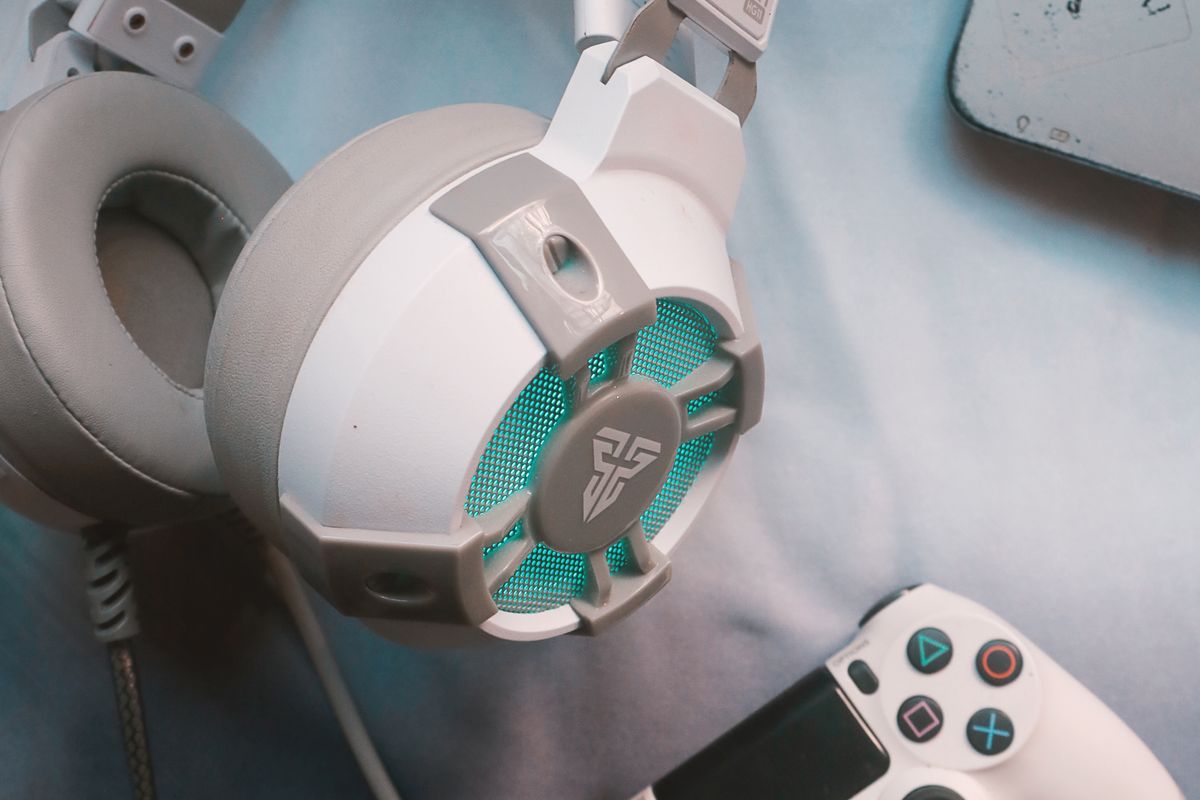
Almost every gaming headset sold as “7.1 surround sound” contains exactly two drivers, one per ear. The 7.1 on the box is software: a driver suite that processes a stereo or multichannel feed and tries to convince your brain that sound arrives from seven points plus a subwoofer. That is not a scam — but it is a different product than the one the sticker implies, and it pays to know which one you are buying.
What virtual surround actually is
Virtual surround takes game audio and runs it through an HRTF — a filter model of how sound reaches your ears from different directions. DTS Headphone:X, SteelSeries Sonar’s 360° spatial audio, Windows Sonic, and Dolby’s headphone renderer all work this way, and most headset makers bundle one of them as a headline feature. How convincing the result is depends heavily on how close the generic filter matches your head shape, which is why the same headset can sound eerie-good to one player and hollow to another. The processing can also smear the sharp transient cues competitive players rely on, which is why many ranked players run plain stereo and let the game’s own mixing do the work.
The multi-driver exception
A small number of headsets put real channels in the cups. The Razer Tiamat 7.1 V2 packs ten discrete drivers — five per ear cup: a 40mm subwoofer, two 30mm front and center drivers, and two 20mm side and rear drivers — fed by four analog 3.5mm jacks plus USB for power, and it launched at $199.99 in 2017. It is the honest version of the sticker. Tellingly, this category has largely vanished: the drivers are small, the wiring is bulky, and positional accuracy did not measurably leap ahead of well-implemented virtual processing.
Consoles process it differently
On PS5, Tempest 3D AudioTech does the spatialization on the console itself, and it works with any stereo headset — including ones plugged into the DualSense’s 3.5mm jack. Microsoft Spatial Sound plays the same role on Xbox and PC. The practical consequence: a headset’s bundled surround suite matters mainly on PC, and you should not pay a premium for it if you mostly play on console. What you should pay for is covered in open-back vs closed-back — seal and soundstage shape positional audio more than any badge — and in our Arctis Nova Pro review for what a full software suite adds when it is done well.
The practical setup
Run stereo first. Add your platform’s spatial audio, then try the headset’s own suite in one match each. Keep whichever setting finds footsteps faster for you — not whichever number is bigger.
Frequently asked questions
- Is virtual 7.1 better than plain stereo for gaming?
- For competitive play, most players are better served by clean stereo plus the game's own positional mixing. Virtual surround can add a processed, reverberant character that softens the exact cues you are listening for. Try both in your main game and keep whichever you aim better with.
- Do more drivers mean better positional audio?
- Not by themselves. Multi-driver headsets place five or more small drivers in each cup, but the spacing inside an earcup is tiny compared to a speaker room, so the directional benefit is modest. Tuning and comfort usually matter more.
- Do I need a special headset for PS5 3D Audio?
- No. Tempest 3D AudioTech runs on the console and works with any stereo headset connected through the DualSense controller's 3.5mm jack or USB. A dedicated 3D Audio headset adds convenience and tuning, not access to the feature.