Hot-Swap Keyboards: Worth It for Gamers?
A hot-swap board changes how switches attach and nothing else — which is either the most useful feature on the spec sheet or a premium you never touch.
By Daniel Kwon · October 6, 2026 · Updated October 6, 2026
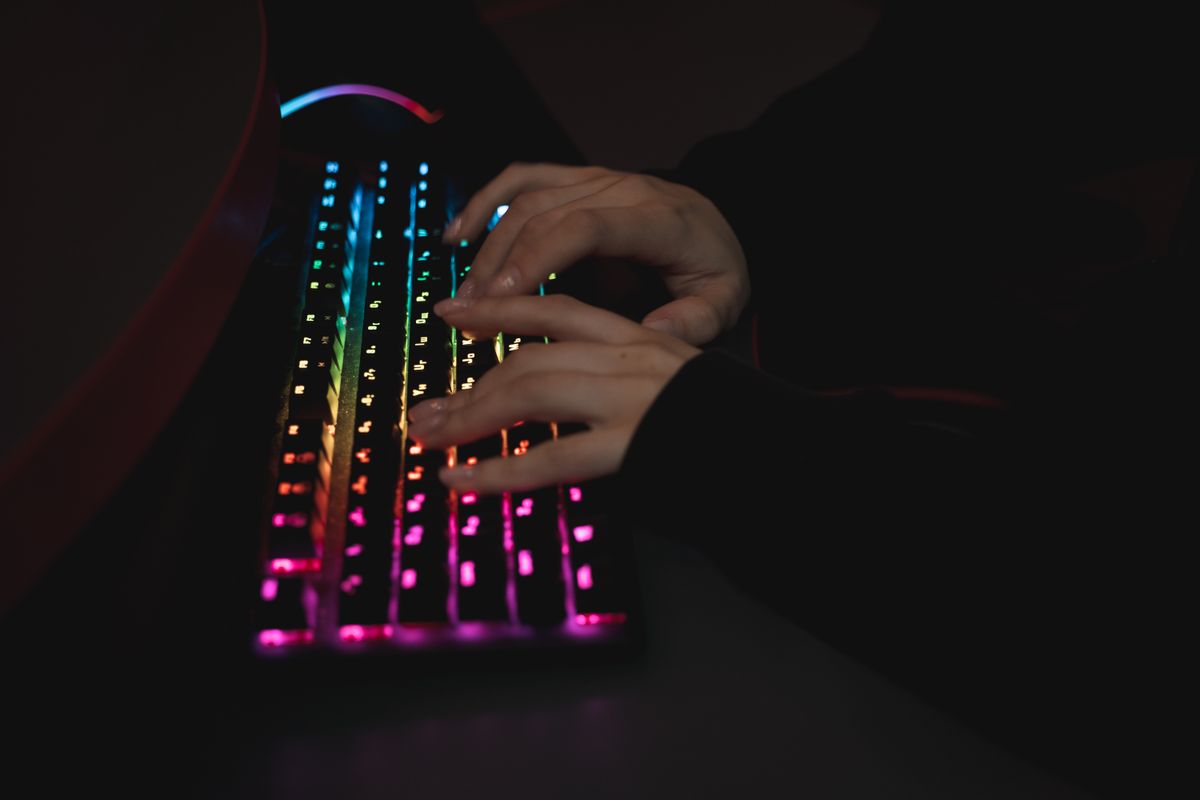
On a conventional mechanical keyboard every switch is soldered to the PCB. Changing one means desoldering — equipment, patience, and a good reason. A hot-swap keyboard replaces those solder joints with small spring-loaded metal sockets: pull a switch out with a puller, push a new one in, and the whole job takes seconds per key.
How the socket works
Under each key sits a sprung socket, most commonly from Kailh or Gateron, gripping the switch’s two metal pins. Switches come with either three or five legs: 3-pin switches have two metal pins plus a central plastic post, and fit any socket. 5-pin switches add two plastic alignment legs — more stable, but they will not seat in a 3-hole PCB unless you clip the extra legs, which is a routine and harmless trim. One warning dominates all the others: a bent pin is the main reason a swapped key dies. Straighten both pins before inserting and press straight down.
What hot-swap does not change
Hot-swap is an attachment method, not a performance feature. The electrical path matches solder exactly, latency included, and the switch sits at the same height. If two boards use the same case, plate, and foam, a socket adds nothing you can feel — and the sockets themselves have a finite insertion budget, so they are a convenience with a lifespan, not an upgrade.
Why gamers still care
Three real cases:
- Your first board. You have not settled on a switch type, and switch feel is personal. Swapping is far cheaper than re-buying.
- One board, two jobs. Light linears for play, quieter tactiles for work and voice-chat hours — changed in minutes.
- Repair. A single failed switch ends a soldered keyboard’s life; on a hot-swap board it is a one-minute fix.
Mainstream boards now treat hot-swap as standard. The Razer BlackWidow V4 Pro 75%, for example, ships with tactile Orange switches Gen-3 and accepts standard 3-pin or 5-pin mechanical switches — and the manufacturer sells its clicky Green and linear Yellow switches separately if you want a different feel without sourcing third-party parts.
Where it does not apply
Hot-swap sockets are MX-style only. Optical and magnetic hall effect boards use switches that mount completely differently — even when their switches technically pull out, replacements must come from the same family. Check what the sockets actually accept before buying loose switches.
When to pay the premium
Pay the premium if you are undecided on switches, want one board tuned for two contexts, or value repairing over replacing. Skip it if you already know your switch and plan to keep the board until it dies — a soldered board with the right feel is a perfectly good endpoint.
Frequently asked questions
- Does hot-swap affect latency or performance?
- No. The socket is just a soldered connection replaced by a spring contact — the electrical path is identical, and switch pins sit at the same height. Any feel or sound differences between boards come from the case, plate, and foam, not the socket.
- Can I put any switches in a hot-swap keyboard?
- Only MX-style mechanical switches with matching pin count. Optical and magnetic hall effect switches use entirely different mounting and will not fit, even on boards where the switches themselves can be removed.
- Do hot-swap sockets wear out?
- They tolerate a limited number of insertions — community figures commonly cite around 100 cycles per socket for standard sockets. A few full switch changes over a keyboard's life stays well inside that budget.