Gaming Monitor Size: 24-inch vs 27-inch vs 32-inch
Monitor size is a distance decision first: pick where you sit, and the right screen size mostly picks itself.
By Sofia Marques · October 12, 2026 · Updated October 12, 2026
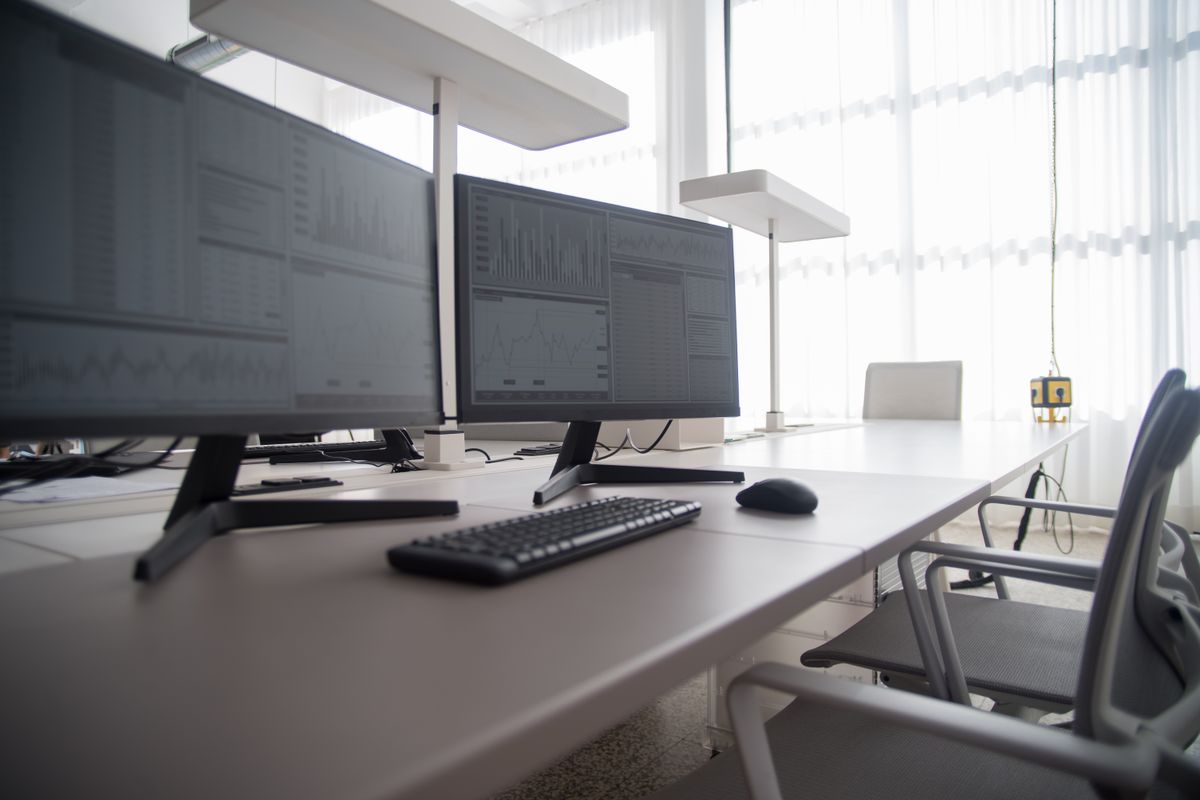
Monitor size is a distance decision before it is a display decision. The same 32-inch panel is immersive at a meter and overwhelming at arm’s length, so start with where you sit — then the right size mostly picks itself.
24–25 inches: the esports standard
A 24.5-inch 1080p panel lands near 92 pixels per inch, and the whole screen fits inside your vision without head movement — one reason tournament play still defaults to this size. Everything sits where you expect it and muscle memory maps cleanly to screen positions. 1080p is also easy for a GPU to feed at high refresh rates — esports titles benefit twice, because your eyes track the whole play area at once and the frame budget goes further at this resolution than at any other.
27 inches: the default
27 inches at 1440p is the modern sweet spot: about 109 PPI, sharp at normal desk distance, and large enough to feel like a real upgrade over 24-inch 1080p. It also exists in more models than any other size, from budget fast IPS to flagship OLED, which means competition among makers works in your favor.
32 inches: the desktop TV
32 inches demands 4K to hold pixel density — about 138 PPI. The same panel at 1440p drops near 92 PPI, exactly the density of a 24-inch 1080p monitor stretched wider, and pixels become visible at desk distance. Buy 32-inch 4K for immersive titles and deeper desks; buy 32-inch 1440p only if you sit well back.
There is also a practical ceiling to consider: 32-inch panels need a mount and a stand rated for the weight, and they dominate smaller desks in a way 27-inch never quite does. Measure before you order.
Size and resolution pairings
| Size | Resolution to pair | Approx. density | Best for |
|---|---|---|---|
| 24–25” | 1080p | ~92 PPI | Competitive FPS |
| 27” | 1440p | ~109 PPI | All-round gaming |
| 27” | 4K | ~163 PPI | Sharpness up close |
| 32” | 4K | ~138 PPI | Immersive, deep desks |
Distance and desk reality
Comfortable seating sits roughly an arm’s length from the panel — a little further for 32 inches than for 27. Desk depth is the honest constraint here: a 32-inch monitor on a shallow desk will sit closer than its size intends, and sharpness suffers as a result. A monitor arm recovers some depth and makes the distance adjustable after the fact, which is why so many 32-inch owners end up adding one within a year.
Pairing size with resolution
Bigger screens consume frames as well as desk space. The larger the panel, the more it invites a resolution your GPU has to feed — and that cost is steeper than most buyers expect. Our 1440p vs 4K comparison covers the frame-rate math, and our refresh rate guide covers what to do with whatever budget is left.
Frequently asked questions
- Is 27 inches too big for 1080p?
- Density drops to roughly 82 PPI at that size, and pixels become visible at normal desk distance. 1080p belongs on 24–25 inches; 27 inches wants 1440p.
- What size is best for a 4K monitor?
- 27 to 32 inches. At 27 inches, 4K reaches about 163 PPI — extremely sharp up close. At 32 inches it sits near 138 PPI, comfortable at slightly greater distance.
- How far should I sit from a 32-inch monitor?
- A bit beyond arm's length — further than for a 27-inch. If your desk cannot deliver that distance, a 27-inch panel will fit the seating you actually have.